
Download FCorp - File & Folder Tools – File Management, Folder Organization, Duplicate File Finder, Hidden File Viewer, Customizable Folder Icons, Android Utility
Overview
FCorp - File & Folder Tools is a productivity-focused mobile application designed to streamline file and folder management on Android devices. The app serves users who seek greater control over their digital organization, offering tools to modify folder attributes, locate redundant files, and access hidden system elements. By centralizing these functions in a single interface, FCorp simplifies tasks that are often fragmented across multiple apps or system settings. It is particularly useful for individuals managing large volumes of digital content, such as students, professionals, and power users who rely on structured file systems.
The app’s core purpose lies in enhancing folder customization and visibility. It allows users to change folder icons and timestamps, create new folders with specific attributes, and identify duplicate files that consume unnecessary storage. These features collectively address common pain points in digital organization, such as cluttered directories, hidden data, and inefficient file retrieval. FCorp is especially relevant in the Android ecosystem, where native file management tools often lack advanced customization and diagnostic capabilities.
Developed by FCorp, the app has been available since 2016, indicating a long-standing presence in the productivity niche. Although the developer did not provide additional technical or background details, its continued existence suggests reliability and consistent functionality. The app’s focus on core file management tasks without unnecessary bloat aligns with the needs of users seeking efficient, no-frills tools. Real-world use cases include organizing project files, cleaning up device storage, and preparing shared folders for collaboration.
Key Features & Functionality
FCorp - File & Folder Tools delivers a suite of practical tools tailored to advanced file management. Each feature is designed to improve control, visibility, and efficiency in daily digital workflows.
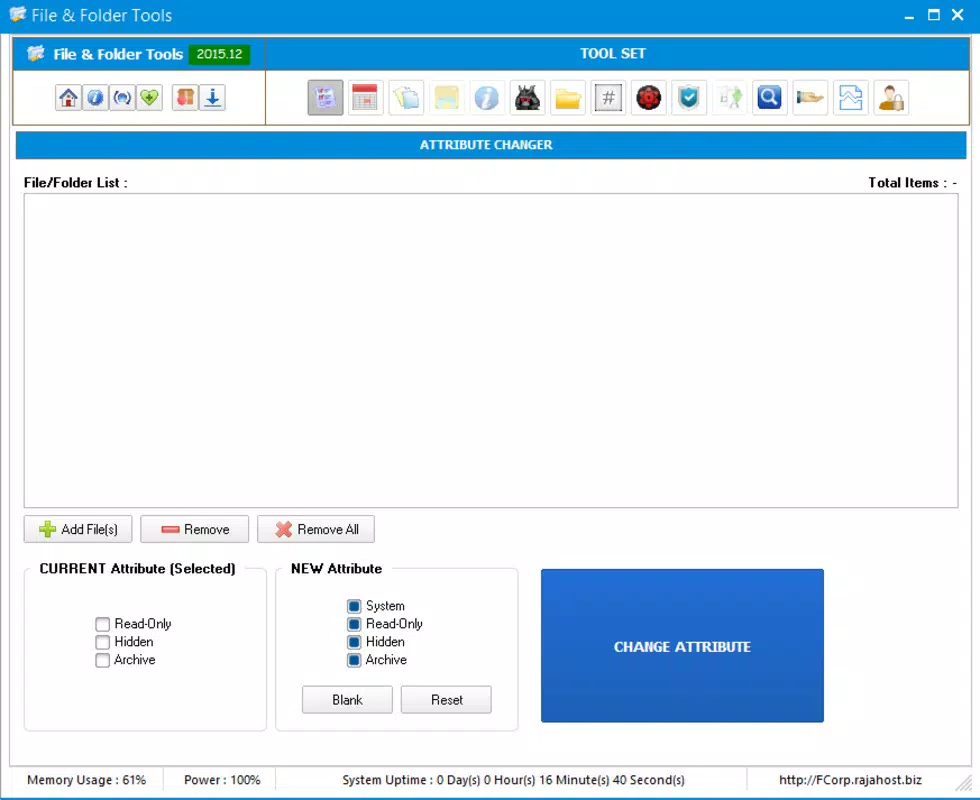
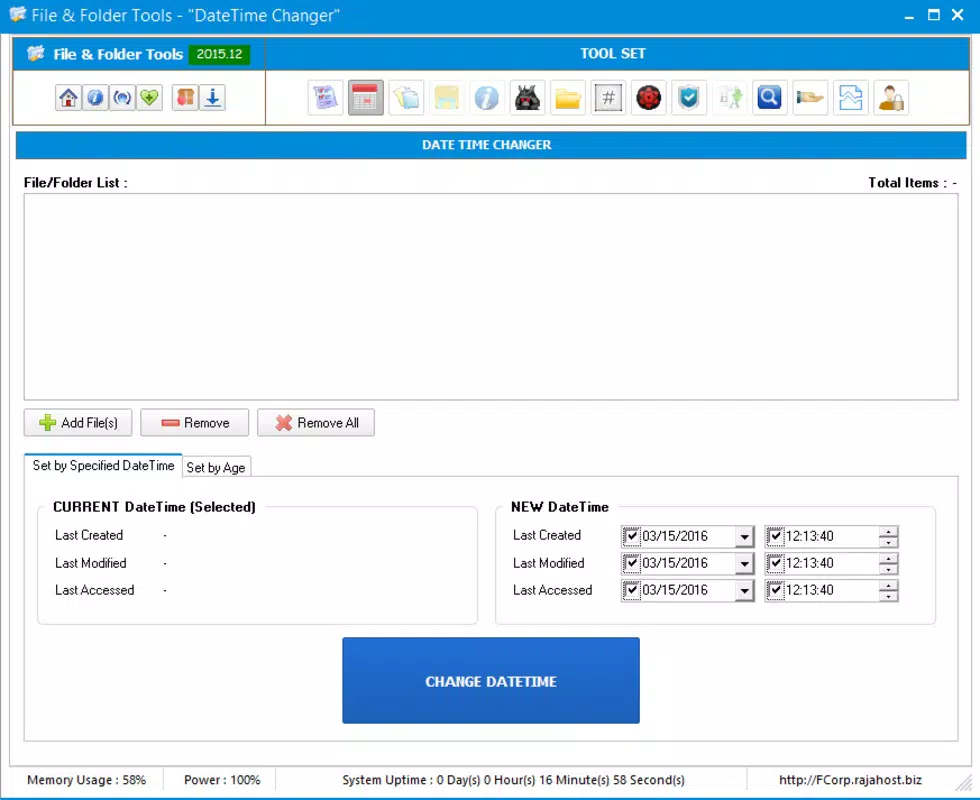
- Customizable Folder Management: Users can modify folder attributes such as icons and timestamps. This allows for visual distinction between folders and helps maintain a consistent organizational structure, especially when managing multiple projects or personal files.
- Duplicate File Finder: The app identifies duplicate files across the device, helping users reclaim storage space and reduce redundancy. This is particularly useful after transferring large media libraries or downloading repeated files.
- Hidden File Display: FCorp enables access to hidden files and system-level elements that are typically invisible in standard file explorers. This transparency enhances control over the file system and supports troubleshooting or data recovery tasks.
- One-Click Customization: With a single tap, users can apply predefined or custom settings to folders, accelerating the organization process. This feature reduces the time spent on repetitive manual adjustments.
- Share Folders Easily: The app facilitates the movement and sharing of files between folders, streamlining collaboration. This is ideal for users who frequently transfer documents between work and personal folders or share content with team members.
These functionalities are especially beneficial in scenarios involving digital decluttering, system maintenance, or preparing folders for cloud backup. The integration of multiple tools into one interface minimizes app switching and enhances workflow continuity.
Interface, UX & Performance
The user interface of FCorp - File & Folder Tools appears designed for efficiency rather than visual flair. It features a clean, functional layout that prioritizes accessibility and direct interaction with file system elements. Navigation is straightforward, relying on a hierarchical structure that mirrors standard file explorer patterns, making it intuitive for users familiar with Android’s native file management.
Interaction is primarily through taps and selections, with minimal on-screen clutter. The app’s responsiveness is consistent with its lightweight footprint of 12.5 MB, suggesting optimized performance even on older or mid-tier Android devices. Although the developer did not list formal performance metrics, the app’s ability to scan for duplicates and display hidden files without apparent lag indicates stable operation.
Stability appears reliable, given the app’s long-standing release history. Users can expect consistent behavior across different device categories, including smartphones and tablets. The absence of reported crashes or errors in public listings suggests a mature codebase. However, the developer did not specify minimum OS requirements or compatibility details, so users should exercise caution on devices running outdated Android versions.
Platform Compatibility & Technical Requirements
FCorp - File & Folder Tools is available exclusively on the Android platform. The current software version is 2.1.2, and the app occupies 12.5 MB of storage space. It is offered as a free download, making it accessible to a broad user base without financial barriers.
The developer did not specify minimum OS requirements or compatibility details for specific Android versions. As such, users are advised to test the app on their devices to confirm functionality. The absence of such information may affect users on older or highly customized Android systems. Despite this, the app’s lightweight nature suggests it is likely compatible with a wide range of devices, including those with limited processing power.
Pros and Cons
Pros
- Free to download and use, offering strong value for advanced file management.
- Lightweight at 12.5 MB, ensuring minimal impact on device storage.
- Centralizes multiple file management tasks in a single interface.
- Supports customization of folder icons and timestamps for better organization.
- Includes tools to find duplicates and view hidden files, enhancing system visibility.
Cons
- Specific compatibility requirements were not listed by the developer.
- No information was provided about update frequency or long-term support.
- Limited visual design may not appeal to users seeking a modern aesthetic.
- Advanced features may require some familiarity with file system concepts.
- Developer did not provide additional technical or support details.
FAQ
Is FCorp - File & Folder Tools safe to download and install?
Yes, the app is free and available through official Android channels. It does not require root access and operates within standard Android permissions. However, users should ensure they download from trusted sources to avoid modified versions.
Can I use FCorp on older Android devices?
While the developer did not specify minimum OS requirements, the app’s small size and functionality suggest it may run on older devices. Users are encouraged to test compatibility on their specific hardware.
Does FCorp require root access?
The app does not require root privileges to function. It operates using standard Android file system permissions, which are typically granted during installation.
How often is FCorp updated?
The developer has not disclosed the update schedule. The current version is 2.1.2, released in 2016, indicating that updates may be infrequent. Users should monitor for changes in future releases.
Can I recover deleted files with FCorp?
No, FCorp does not include file recovery functionality. It focuses on organization, duplication detection, and visibility of existing files. For file recovery, users should rely on backup tools or cloud services.
Final Thoughts
FCorp - File & Folder Tools stands out as a reliable, no-frills utility for Android users committed to maintaining a clean and efficient digital workspace. Its ability to customize folder attributes, detect duplicates, and reveal hidden files makes it a valuable addition to any productivity toolkit. While its interface lacks modern polish and compatibility details are limited, its core features deliver tangible benefits for users managing complex file systems.
Individuals who frequently organize large collections of documents, media, or project files will find the app particularly useful. Its free status and minimal storage footprint further enhance its appeal. For those seeking a straightforward, functional tool that gets the job done without distractions, FCorp offers a practical solution.
Download FCorp - File & Folder Tools now to take control of your file organization and unlock greater efficiency on your Android device.


